¶ Grid Toolbar
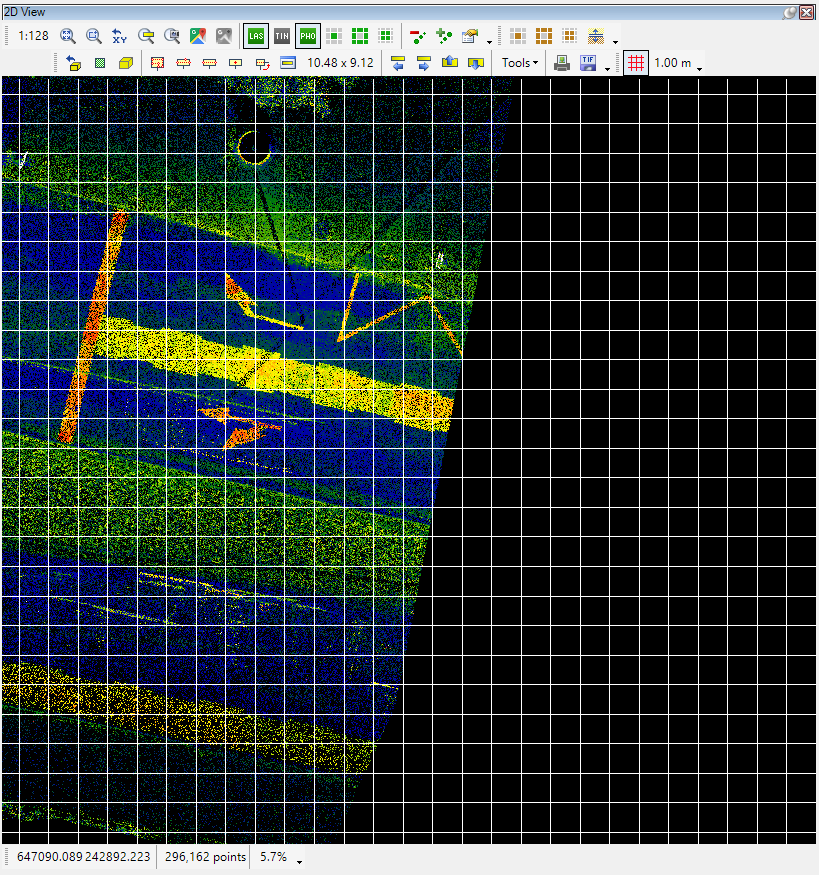
The grid toolbar allows the user to use a dynamic or fixed grid for the 2D view to effectively measure dimensions without the use of the measure tool.

The description of the usage is the following:
- Show grid - Turn on and off the grid display
- Grid size - The actual grid resolution, which is dynamic with the zoom level
The grid is visible only in the 2D view, and the default display style is ‘point' - the grid intersection points are represented as points.
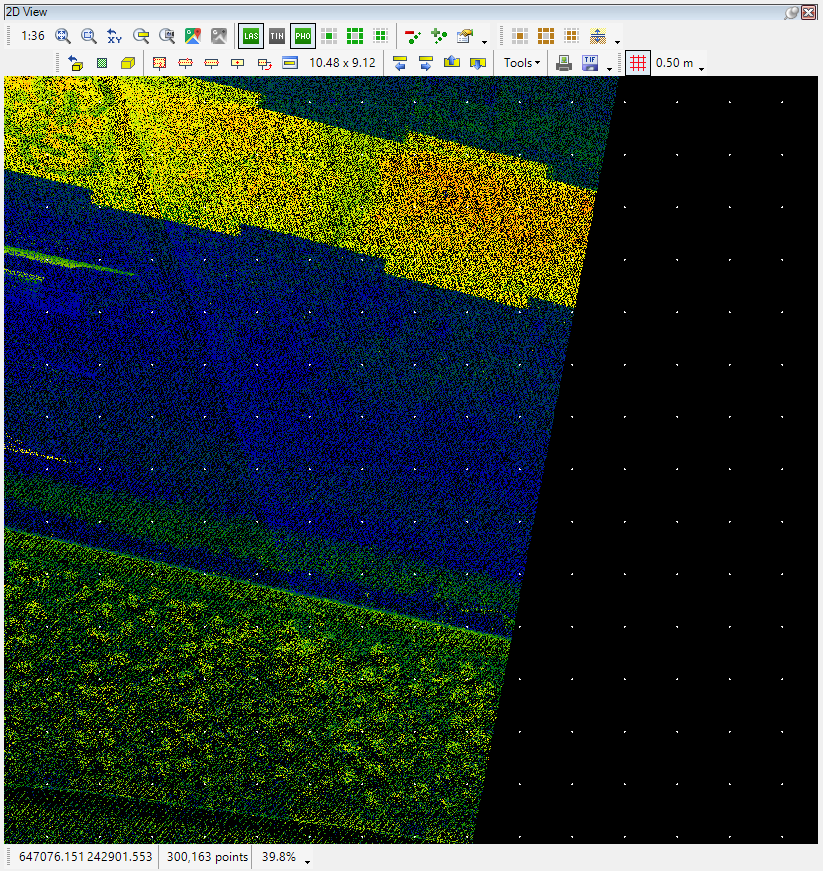
The grid settings can be set in the 2D view settings:
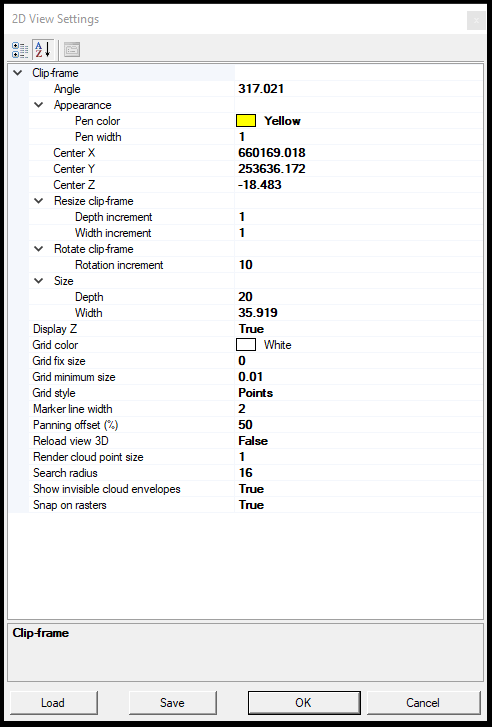
The user can customise here the following settings:
- Grid color - Set the colour for the grid display
- Grid fix size - This setting controls the grid mode. If the value is set to 0, the grid will dynamically adjust to the zoom level. If the value is set to 1, the grid becomes fixed size, and it will always stays the same.
- Grid minimum size - For dynamic settings, this is the smallest value that the grid resolution can be. If the grid is set for a fixed size, it will show the grid with this fixed setting.
- Grid style - The grid can be displayed with points and lines. If lines are selected, the complete grid will be drawn.